
Why Cloudflare Verification Keeps Looping and What to Check First
If Cloudflare verification keeps looping, do not assume the site is broken. In most cases, it means your current browsing environment is not being treated as stable or trustworthy enough to pass the challenge. The fastest way to troubleshoot it is to separate the problem into layers: browser environment, saved page state, IP reputation, and proxy or network quality.
A simple rule helps here. If switching browsers or disabling extensions improves the result, suspect the browser environment first. If changing the browser does not help but switching the node or network does, suspect the IP or proxy quality first. If the same site behaves very differently across countries or routes, the issue is usually in the exit environment rather than the site itself.
If you are dealing with access barriers, unstable challenge pass rates, or repeated verification prompts, it also helps to compare the kind of proxy setup used for challenge-heavy websites before you keep retrying the same page.
What repeated Cloudflare verification usually means
Cloudflare verification is not just checking whether you clicked a button. It evaluates whether the request looks like it comes from a normal, stable user environment. If the system sees signals that look inconsistent, incomplete, or risky, it can keep showing the challenge page instead of letting the visit complete normally.
Cloudflare’s own documentation around Turnstile interaction and challenge behavior makes it clear that challenge flow is not one isolated step. It depends on page state, browser behavior, and the overall request context.
The 7 most common reasons verification keeps looping
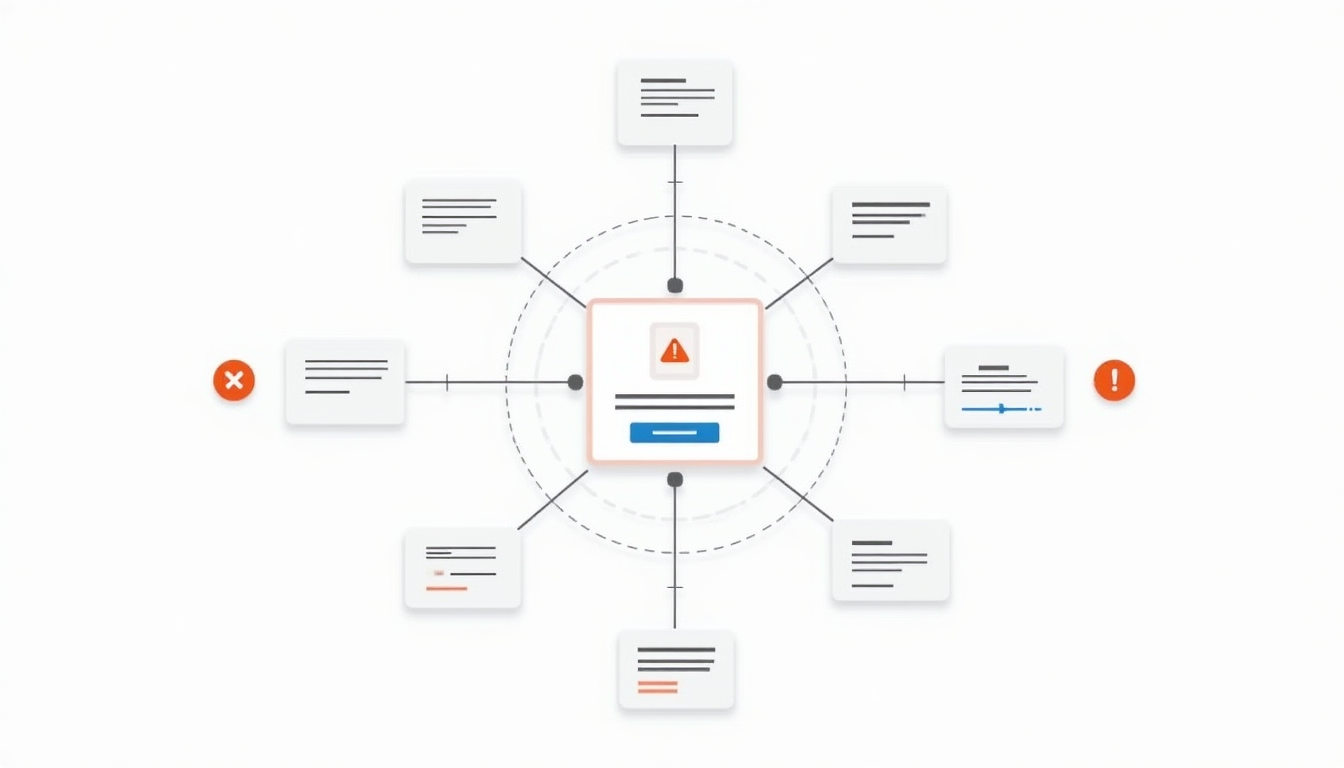
1. The IP reputation is too weak
If the current IP has been heavily shared, abused before, or frequently appears in suspicious traffic patterns, Cloudflare is more likely to keep the challenge active.
How to recognize it: if the page works much better after switching to another node, the problem is more likely IP reputation than the browser itself.
2. Too many requests are coming from the same exit IP
Even when an IP is not inherently bad, high request density can still make it look risky. Shared pools and crowded exits often run into this problem.
How to recognize it: if one node fails repeatedly while another quieter node passes more easily, request density is a strong suspect.
3. The browser environment is incomplete
If JavaScript is blocked, cookies are restricted, or aggressive privacy extensions interrupt normal page behavior, the challenge may never finish properly.
How to recognize it: if a clean browser profile works better, focus on browser state first. A more specific reference such as MDN’s HTTP Cookies guide is useful here because saved state often decides whether the challenge can complete.
4. Cookies or cached challenge state are broken
Sometimes the challenge itself completes, but the page does not preserve the right state afterward. That can send you back into the same loop again.
How to recognize it: if clearing cookies and cache changes the page behavior immediately, the issue may be saved state rather than overall risk level.
5. The network path changes too often
Frequent changes in Wi-Fi, mobile data, proxy exits, or geographic route can make the session look unstable.
How to recognize it: if the loop gets worse when you keep rotating networks or routes, consistency itself may be the missing signal.
6. The country, ASN, or route is a poor fit
Some sites are more sensitive to certain countries, network types, or ASNs. Two IPs can both be reachable and still produce very different challenge behavior.
How to recognize it: if one country keeps failing while another works much better, the route matters as much as the IP itself.
7. The proxy quality is unstable
High latency, packet loss, unstable exits, overloaded pools, and uneven node quality can all make Cloudflare verification harder to pass consistently.
How to recognize it: if the same browser setup gives very different results depending on the proxy node, the proxy layer deserves priority attention.
How to tell whether the problem is the browser or the proxy
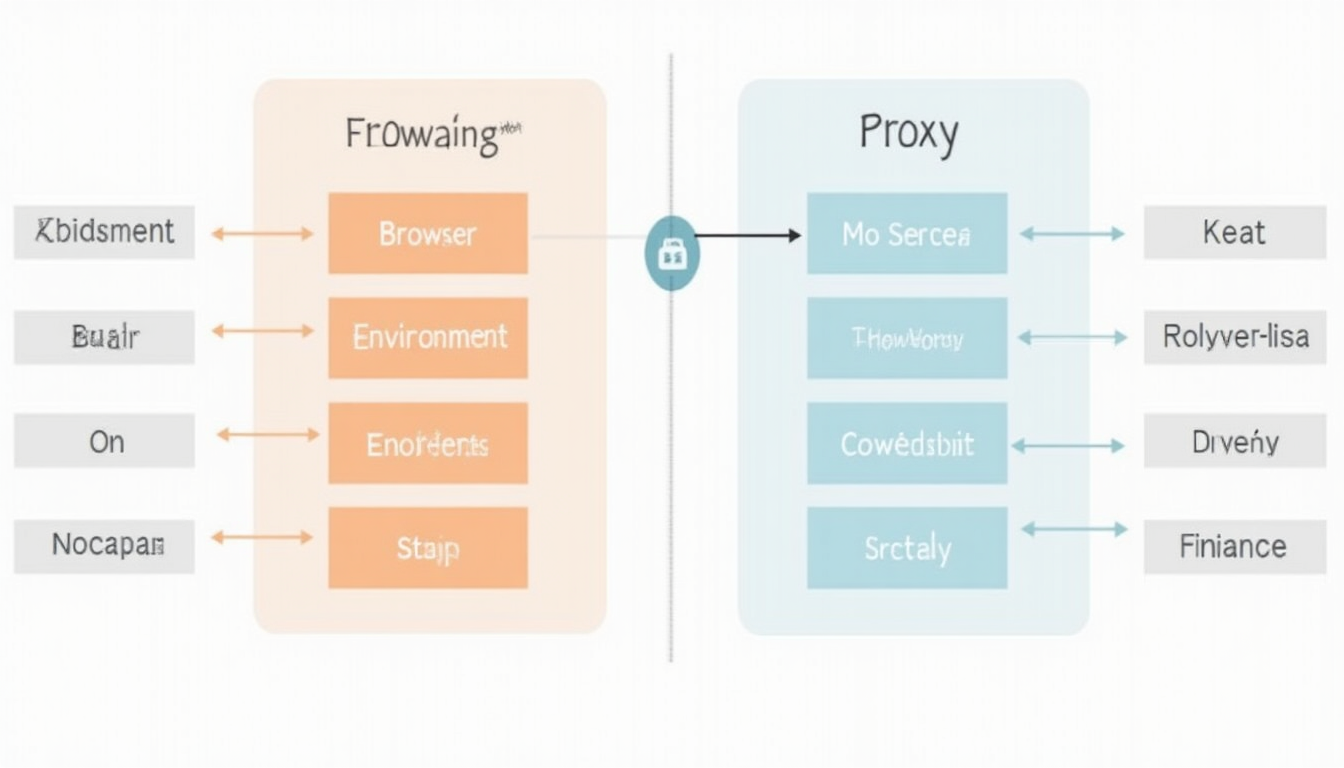
- If switching browsers helps: suspect browser state, scripts, cookies, or extensions first.
- If switching browsers does not help but changing nodes does: suspect IP reputation or proxy quality first.
- If several sites show similar challenge behavior: suspect the exit environment more broadly.
- If only some countries or routes behave badly: suspect route, ASN, or geography rather than page logic.
For most users, the goal is not to understand every anti-bot detail. The goal is to identify which layer is failing first.
The fastest troubleshooting order
- Check browser basics first. Make sure JavaScript works, cookies are allowed, and extensions are not interfering.
- Clear the site’s saved state. Delete the site’s cookies and cache, then reopen the page.
- Run one clean comparison test. Try a different browser or a clean browser profile.
- If the loop continues, change the node or network. This helps separate browser issues from exit quality issues.
- Compare countries and proxy types. Strong differences usually point to route quality or IP trust.
- Only after that should you dig deeper. Otherwise it is easy to waste time retrying without learning what layer is failing.
What to look at if the proxy is the problem
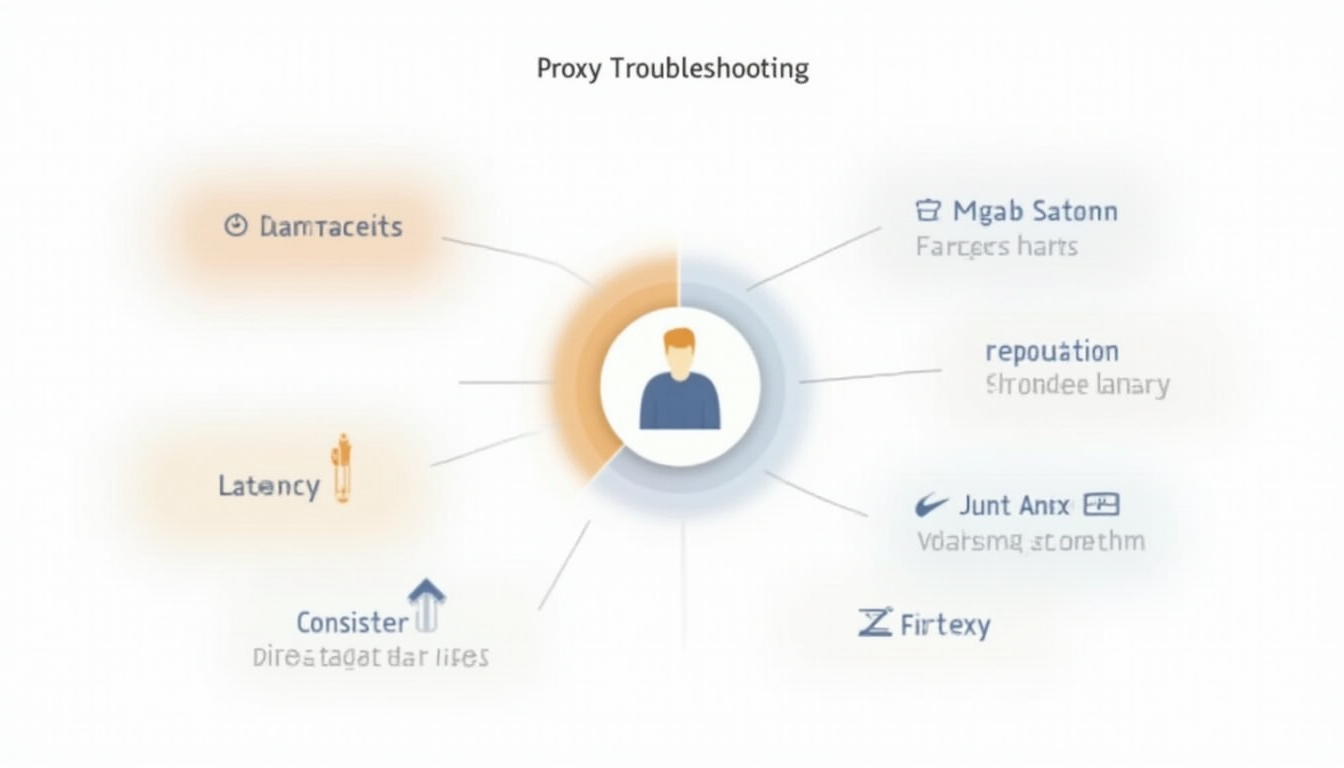
- IP cleanliness: weaker history usually means more friction.
- Exit stability: unstable routes and noisy nodes reduce pass consistency.
- Location fit: some target sites react much better to certain regions.
- Pool pressure: crowded exits are easier to flag.
- Proxy type: residential, datacenter, static, and rotating setups can behave very differently.
If you already ruled out the browser and saved-state issues, it usually makes more sense to improve exit quality than to keep refreshing the same page. That is also the point where a more stable access setup becomes a real decision issue rather than a technical guess.
When it makes sense to change proxy type
- The same site keeps looping on one type of IP.
- Changing browsers does not help, but changing nodes does.
- Datacenter IPs pass too inconsistently for the task.
- The target site seems sensitive to geography, route quality, or network identity.
- You care more about stable pass rate than the lowest possible cost.
At that point, the question is no longer just “how do I retry this page”. It becomes “which access setup is actually more suitable for this kind of challenge-heavy site”.
Frequently asked questions
Does a Cloudflare loop always mean the proxy is bad
No. Browser state, cookies, JavaScript execution, and session behavior can all cause similar symptoms. But if changing nodes helps much more than changing browsers, the exit environment is usually the stronger suspect.
Why can someone else open the site while I keep getting challenged
Because the decision is based on the environment of the request, not just the existence of the website. Different browsers, IPs, routes, and request histories can produce very different outcomes.
Will a clean browser always fix the issue
Only if the browser layer is the main problem. If the challenge loop is mostly driven by IP trust or proxy quality, a clean browser alone will not solve it.
Conclusion
If Cloudflare verification keeps looping, the most useful move is not to keep clicking and refreshing. It is to identify which layer is causing the loop: browser environment, saved state, IP reputation, or proxy quality. Once you narrow the problem down to the right layer, the next action becomes much more obvious.