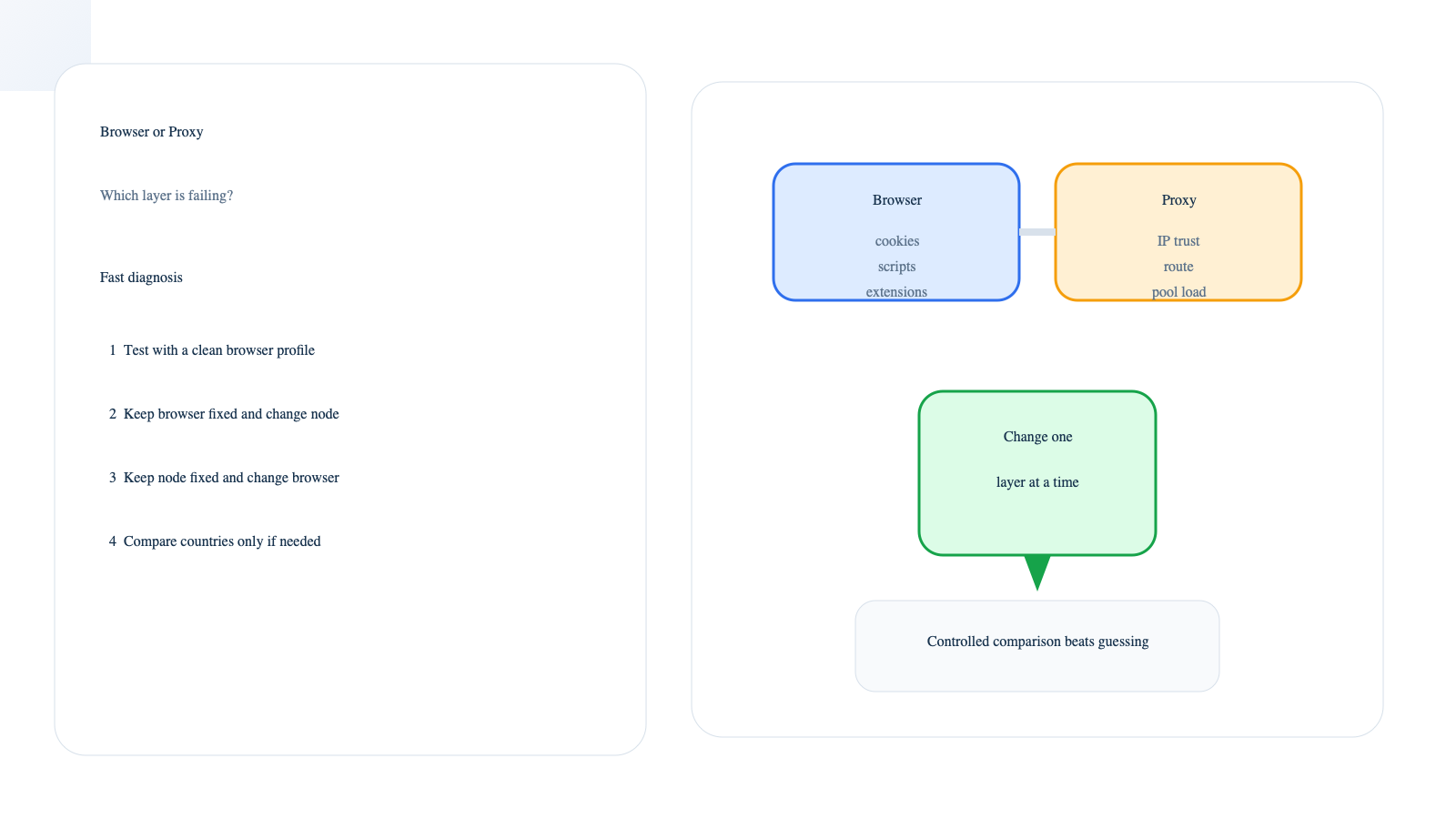
Browser or Proxy Verification Problem How to Diagnose the Right Layer
If a protected site keeps showing verification prompts, do not change everything at once. The fastest way to diagnose the problem is to separate two layers first: the browser environment and the proxy or IP layer. If a clean browser profile helps, the browser side deserves attention first. If browser changes do almost nothing but a different node works, the proxy side is more likely the real bottleneck.
This matters because the symptom can look the same while the cause is completely different. A blocked script, broken cookie state, weak IP reputation, unstable route, or overloaded exit can all lead to repeated Cloudflare checks. The goal is not to guess. The goal is to remove variables in the right order.
If you are comparing access setups for challenge-heavy targets, it also helps to review what repeated verification loops usually mean and why IP reputation issues often look similar at first.
Why browser and proxy problems get confused so easily
Verification systems do not look at one signal only. They react to page behavior, JavaScript execution, cookies, request patterns, IP trust, route consistency, and other context signals. Cloudflare explains in its challenge documentation that challenge outcomes depend on the overall request environment, not just one click or one page load.
That is why one person blames the browser while another blames the proxy. Both may see the same prompt, but they are not failing for the same reason.
What usually points to a browser-side problem
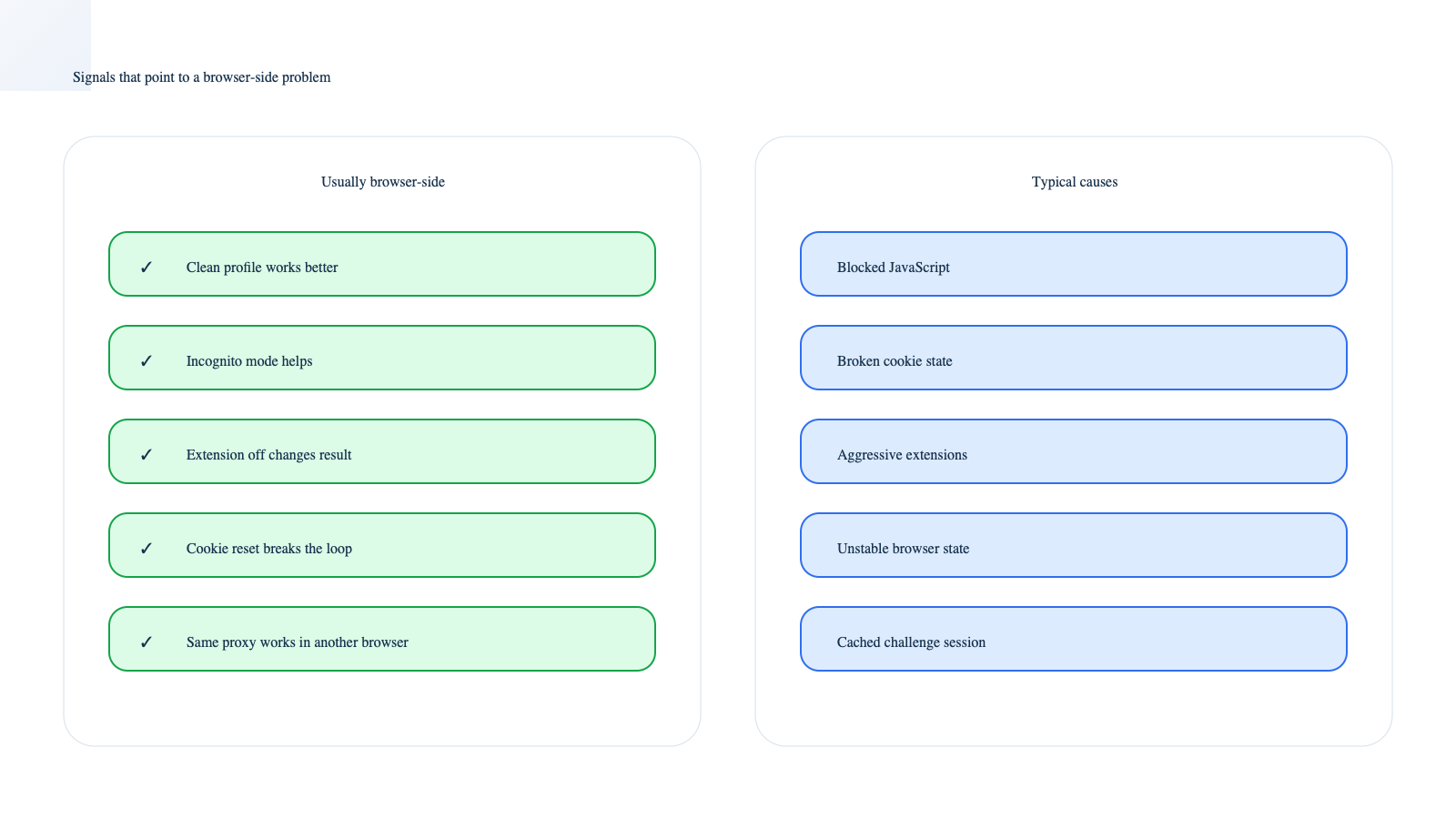
- A clean browser profile works better than your normal one.
- Incognito mode improves the result.
- Disabling extensions changes the page behavior.
- Clearing site cookies and cache resets the loop.
- The same proxy works fine in another browser.
Browser-side problems usually come from broken saved state, missing script execution, cookie restrictions, or extension interference. If the page cannot complete normal browser-side checks, you may keep seeing verification even when the IP itself is usable. For cookie handling and stored session state, MDN’s cookies reference is still one of the clearest practical references.
Common browser-side causes
- JavaScript is blocked or delayed.
- Cookies are disabled, restricted, or corrupted.
- A privacy or security extension interrupts page scripts.
- The browser fingerprint changes too much between attempts.
- An old cached challenge state keeps sending you back into the same flow.
What usually points to a proxy-side problem
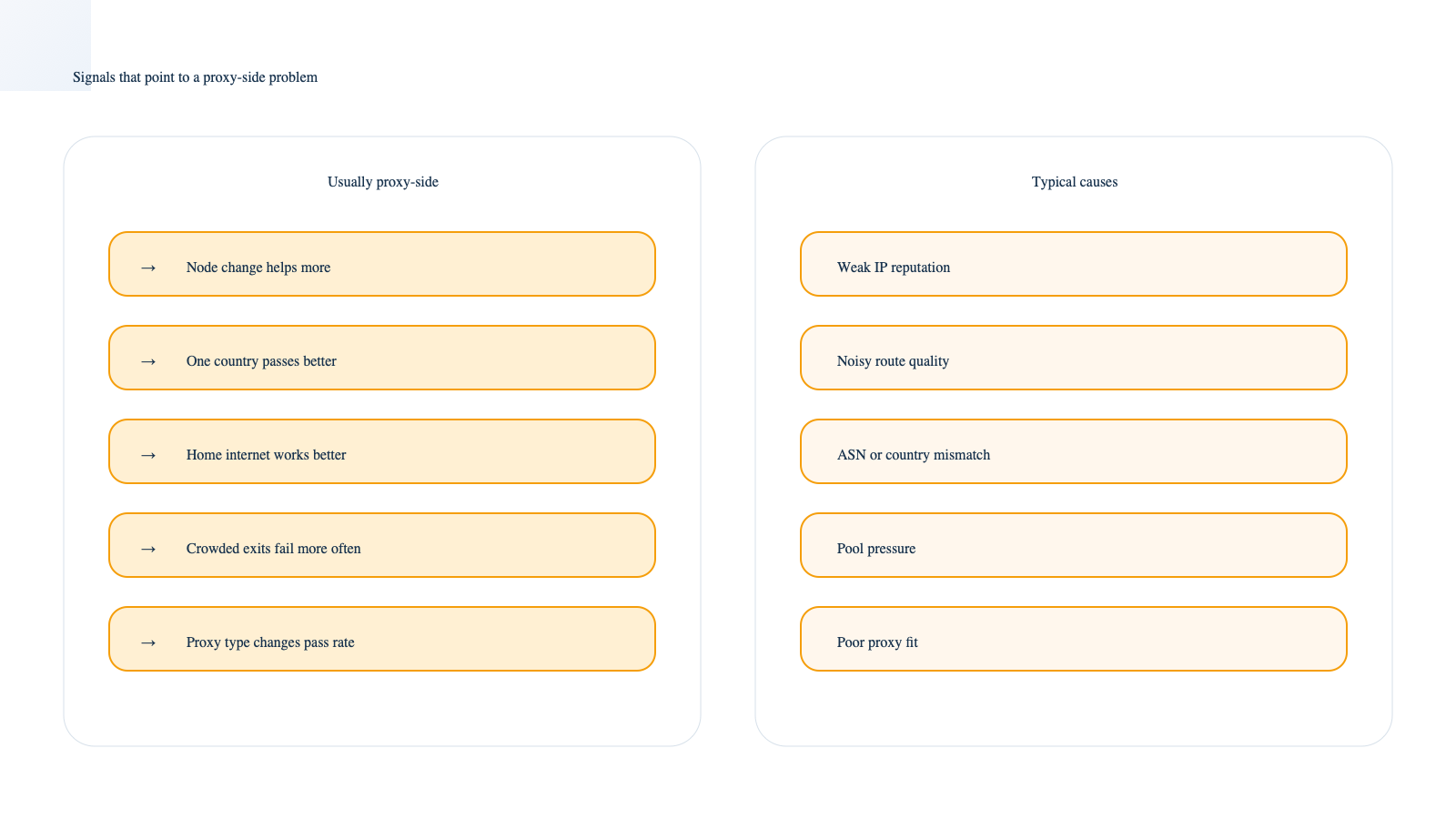
- Browser changes do not help, but another node does.
- One country passes more easily than another.
- The same browser profile works on home internet but fails on the proxy.
- Challenge frequency rises when the exit pool is crowded.
- Pass rate changes sharply across proxy types.
Proxy-side problems are often about IP trust, route stability, ASN sensitivity, or pool pressure. A node can be fast enough to load the page and still be poor at passing verification consistently. That is also why 5-second challenge issues and frequent CAPTCHA prompts often get better only after the exit environment changes.
Common proxy-side causes
- Weak or heavily shared IP reputation.
- Unstable routes or noisy nodes.
- Country or ASN mismatch for the target site.
- Too many requests coming from the same exit.
- A proxy type that is a poor fit for challenge-heavy workflows.
A fast test sequence that separates the two layers
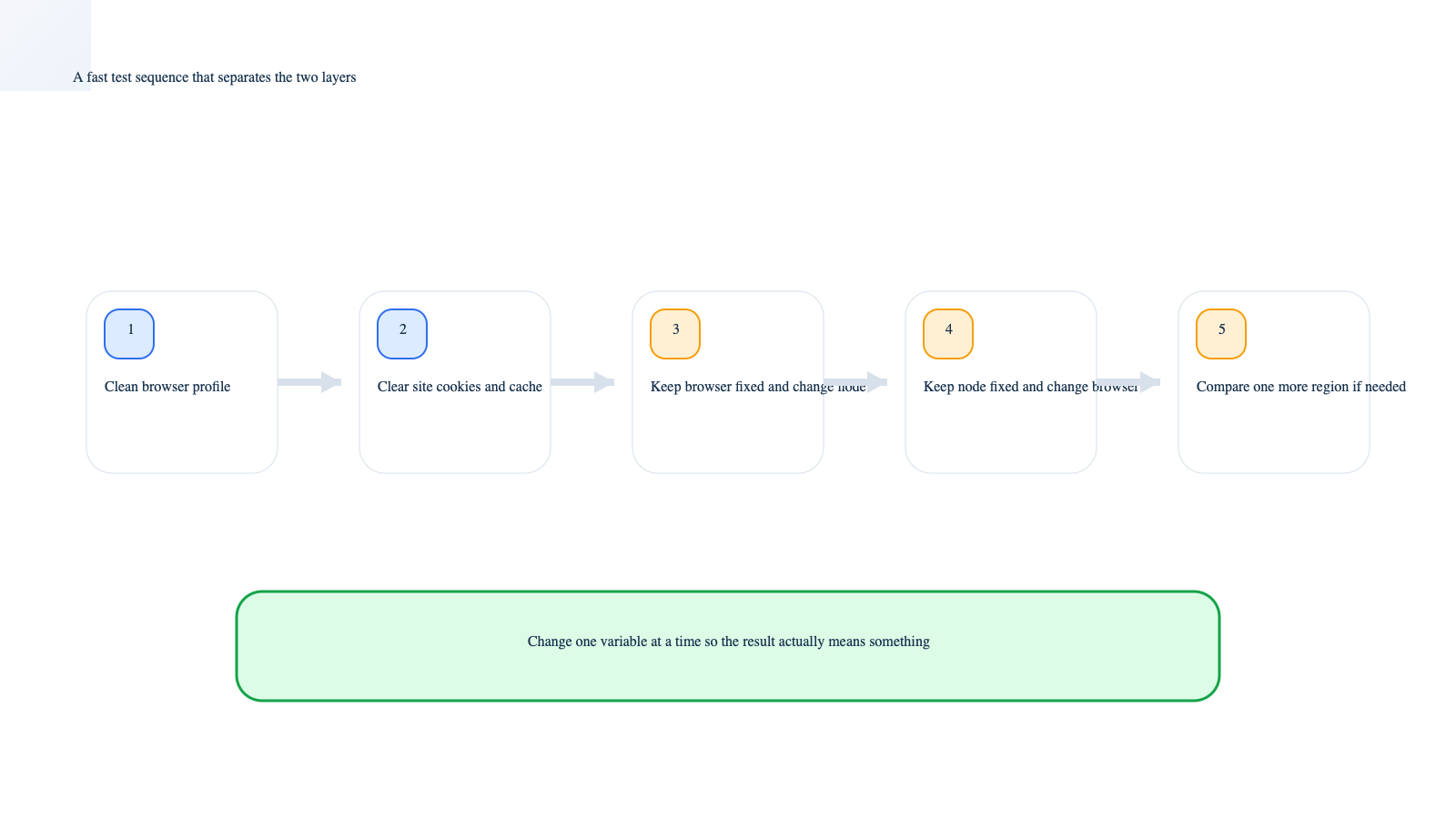
- Open the same page in a clean browser profile. Do not carry over the old extensions and saved state.
- Clear the site’s cookies and cache. Then test again once, not ten times in a row.
- Keep the browser fixed and change only the node or network. This is the most useful split test.
- Keep the node fixed and change only the browser. Compare the result with the previous step.
- Test one more country or proxy type if needed. Large differences usually point to the exit environment.
If you do these steps in order, you stop guessing. If you change browser, cookies, extensions, node, country, and proxy type all at once, you learn nothing.
How to read the results without overreacting
- Browser change helps a lot: fix browser state first.
- Node change helps a lot: improve the proxy layer first.
- Both changes help a little: you may have a mixed problem.
- Nothing helps: review request behavior, retry logic, and target-site sensitivity.
Mixed problems are common. A weak browser environment on top of a weak exit often creates the worst results. That is where a more stable access layer such as CloudBypass can help reduce guesswork, because it lets you compare challenge outcomes with a cleaner and more repeatable route instead of treating every failed attempt as a mystery.
When to fix the browser first
- You see strong differences between your normal profile and a clean one.
- You recently changed extensions or privacy settings.
- The page starts working after cookie cleanup.
- The same proxy works in another browser.
In these cases, buying or rotating more proxies too early usually wastes time.
When to change the proxy first
- The clean browser still fails on the same node.
- Different nodes produce very different pass rates.
- One region works while another keeps getting challenged.
- You care more about stable pass rate than the cheapest possible traffic.
That is the point where proxy quality becomes a practical decision issue, not just a troubleshooting detail. For teams that need a steadier route on verification-heavy targets, CloudBypass usually makes more sense than repeating low-quality exits and hoping the next retry will be different.
Frequently asked questions
Can the browser and the proxy both be part of the problem
Yes. That is very common. A weak browser setup can make a borderline proxy look worse, and a weak proxy can make a decent browser look unreliable.
Why does the same site pass once and fail later
Because verification is sensitive to context. Session state, recent request history, route quality, and IP trust can all change between attempts.
Should I keep retrying if nothing changes
No. Repeating the same test without changing the right variable usually wastes time and can sometimes make the pattern look even less natural.
Conclusion
If you want to know whether a verification problem comes from the browser or the proxy, do not start with theory. Start with controlled comparison. Change one layer at a time, keep the rest stable, and read the difference. Once you know which layer is failing first, the next fix becomes much more obvious.