


OpenClaw Cloudbypass integration solution
Cloudbypass V2 / V2S Sticky Proxy Support

Give OpenClaw stronger anti-bot handling. Support JS Challenge and Turnstile automation, even with no code.

Add the official Cloudbypass Skill to OpenClaw and set the required environment variables to handle Cloudflare JS Challenge, Turnstile, and protected sites automatically. With the V2 sticky proxy strategy, challenge handling and follow-up requests stay in the same session for better stability and higher success rates.

Option 1: API-Based Integration (Standard Setup)

Best for existing OpenClaw projects. Set CLOUDBYPASS_APIKEY and CLOUDBYPASS_PROXY, then use the official API quick reference to choose V1/V2/V2S and optional headers.

Option 2: Skill Middleware Integration (Fast Deployment)

Recommended for faster deployment. The official ClawHub.ai Skill adds native Cloudflare challenge handling to OpenClaw, with npx zero-install support and one-command global setup.

 Get the ClawHub Skill  Integration Docs  Contact Us
Quick Install (QUICK INSTALL)

# Method A: Run the package with npx, no install needed

npx clawhub install cloudbypass

# Method B: Install the Skill middleware globally

clawhub install cloudbypass

# Set the core environment variables

CLOUDBYPASS_APIKEY="cb_******" CLOUDBYPASS_PROXY="sticky proxy address"

# Runtime status

● Cloudbypass Skill: Ready to Fetch [Eligible]

Core Integration Benefits

Connect OpenClaw and Cloudbypass API to rebuild your automation workflow

For today’s tougher anti-bot environment, we package complex challenge-handling logic into a standard integration flow. With sticky sessions and smart environment simulation, your AI agents can access protected resources more naturally, cut block rates, and shorten development time.

Task Success Rate (V2 Strategy) 99%
Faster Integration Deployment 85%

One-Click Skill Install

Choose npx or clawhub commands. Install and run in minutes.

Real Fingerprint Matching

Match TLS/JA3 fingerprints to reduce detection and keep scraping smoother.

Sticky Session Logic

Keep IPs and sessions consistent to pass V2/V2S challenge flows.

Ongoing Strategy Sync

Automatically adapt to the latest Cloudflare changes.

Core Capabilities

Why choose OpenClaw x Cloudbypass API?

Combine LLM intelligence with advanced anti-bot handling. Stay focused on business logic while we handle the challenge layer.

Fast Integration

Install quickly through ClawHub with no low-level protocol coding. Launch automation in 5 minutes.

Sticky Proxy Strategy

V2/V2S works best with sticky proxies to keep the challenge IP and later requests aligned.

Unified Variable Control

Set APIKEY and PROXY values in one place to simplify local development and production rollout.

High-Availability Access

Automatically handle JS Challenge and Turnstile for 24/7 data pipelines.

Cloudflare anti-bot access handling
Use Cases

Flexible integration for different anti-bot scenarios

Whether you are launching a new project or upgrading an existing stack, this setup fits in smoothly.

New OpenClaw Projects

Great for teams starting with intelligent scraping. With just three commands and environment variables, you can get production-ready access handling.

Upgrade Existing Automation

Use Cloudbypass API as the challenge-handling layer and replace old scripts with the V2 sticky strategy for a more robust stack.

High-Frequency, High-Concurrency Tasks

With the strong performance of Cloudbypass V2S, you can support large request volumes without hurting challenge pass rates.

Cross-Border E-commerce Price Monitoring

Match real fingerprints across regions and use sticky proxies to handle Turnstile on e-commerce platforms for accurate market tracking.

Full Social Media Data Capture

Handle strict anti-bot controls on social platforms with OpenClaw x Cloudbypass dynamic header injection for smoother large-scale collection.

data extraction steps
OpenClaw integration flow diagram
Data Extraction Setup Steps

Build an automated workflow in 4 simple steps

We simplify the full low-level logic. Just follow this standard process to use Cloudbypass API inside OpenClaw.

01、Install the Cloudbypass Skill

Deploy the middleware in your OpenClaw environment through ClawHub. Recommended first:

npx clawhub install cloudbypass
or global install: clawhub install cloudbypass

02、Set Environment Variables Precisely

Configure credentials in your system environment. For V2, a proxy is required to maintain session continuity after the challenge is solved:

CLOUDBYPASS_APIKEY="cb_******"
CLOUDBYPASS_PROXY="sticky proxy address"

03、Set the Proxy and Version Strategy

Check whether the target site needs rotating or sticky IPs. For V2, sticky proxies are strongly recommended to keep the session valid.

04、Run Full Automated Access Tests

Check the official api-quick-reference.md for V1/V2/V2S strategy selection. Before launch, the Skill validates your setup automatically to keep requests fully compliant.
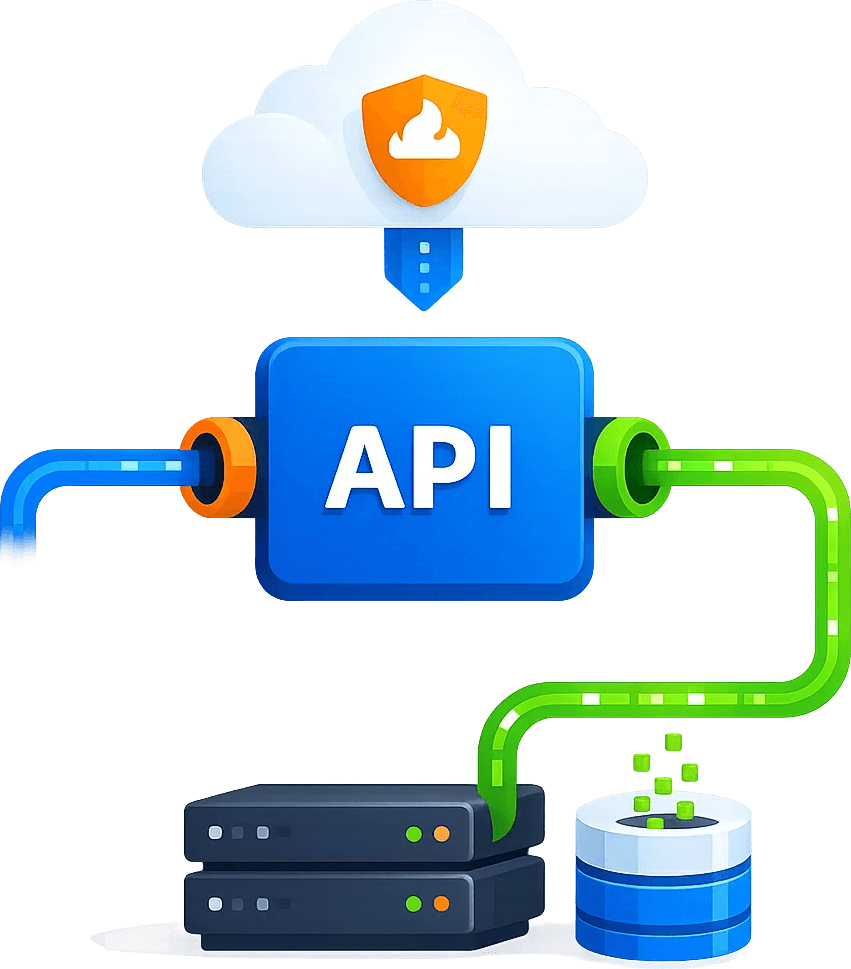
Strong Technical Foundation

  • • Works smoothly with OpenClaw’s native Skill logic for low-friction integration.
  • • Supports npx clawhub zero-install mode for flexible deployment.
  • • Standard header injection (x-cb-part, x-cb-sitekey) simplifies anti-bot handling.
  • • Built-in system checks: reads APIKEY first and detects sticky IP status accurately.

Ready for Automated Production

  • • Syncs with the latest API quick reference to stay aligned with current logic.
  • • Includes full troubleshooting guidance and common V2 configuration tips.
  • • Helps build distributed AI scraping clusters with stronger stealth behavior.
  • • Supports one-click ClawHub repo updates to stay on the official stable release.
FAQ

Common Integration Issues

Which command is recommended to install the Skill?

We recommend npx clawhub install cloudbypass first. It is lightweight, fast, and helps ensure you always install the latest official Skill middleware.

Yes. APIKEY is the unique credential for all requests. For V2 tasks that handle Turnstile or JS Challenge, a sticky proxy should also be configured for the best stability.

Cloudbypass V2 challenge results are often tightly bound to a specific IP. Using sticky proxy IPs keeps the IP used during challenge handling and the later data requests exactly the same, preserving session continuity and reducing resets triggered by WAF checks.

Cloudbypass API technical integration FAQ
Trial Offer
+ 200 API Credits
+ Rotating Proxies
Claim Now ›