What Can Response Patterns Tell Us About How Traffic Reaches a Server?
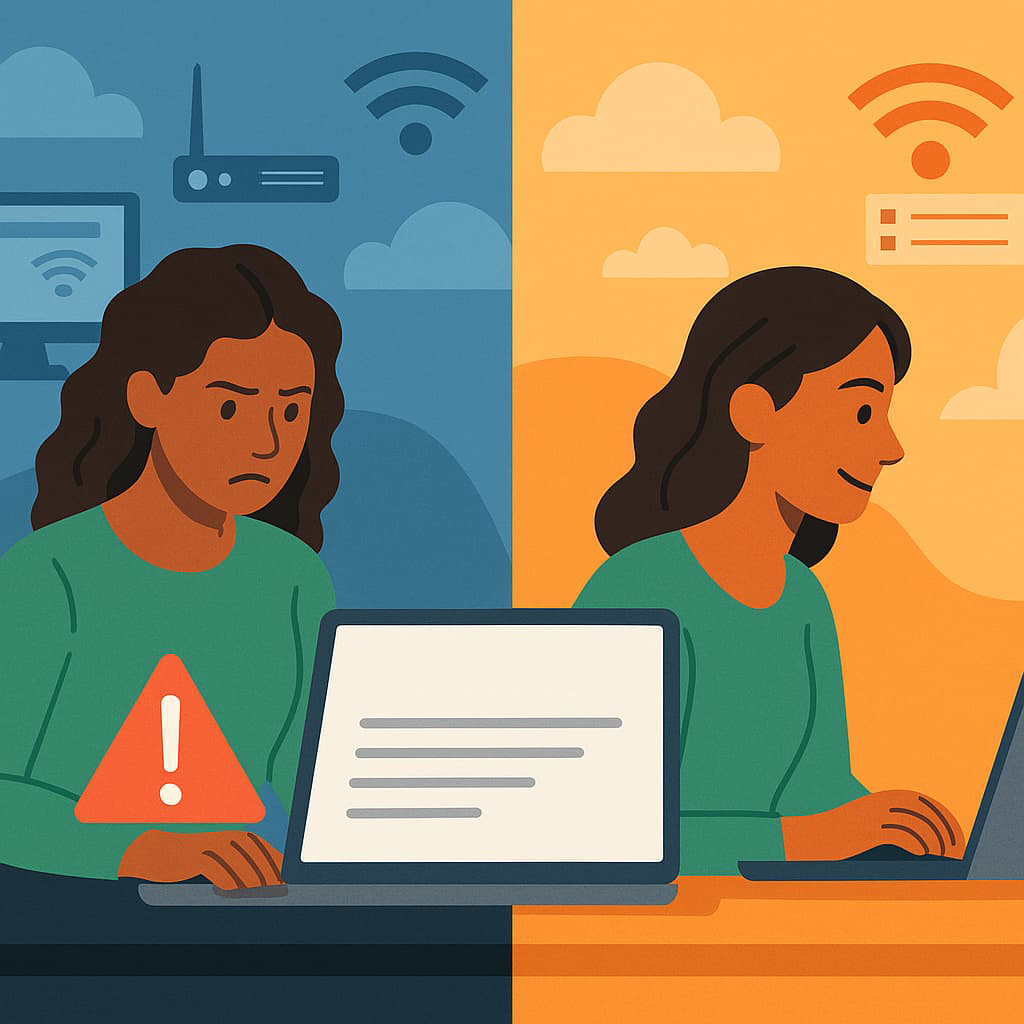
You load a page. It responds instantly. Then a moment later, another page from the same site hesitates.
A resource loads smoothly, but its API call feels sluggish.
Some requests return with sharp, crisp timing; others wobble, stall, or arrive in uneven bursts.
Nothing changed in your browser.
Nothing changed in your device.
You didn’t switch networks or enable any extensions.
Yet the response patterns look and feel different.
This isn’t just a matter of speed.
Response patterns quietly reveal how your traffic reached the server:
the path it took, the conditions it encountered, the decisions the edge network made, and the adjustments the backend performed.
This article explores what these patterns expose — and how CloudBypass API helps developers observe these underlying timing layers, turning invisible network behavior into actionable knowledge.
1. Response Timing Exposes the Stability of Your Route
When responses arrive with:
- smooth pacing
- consistent latency
- predictable variation
…you are likely traveling through a stable, low-jitter route.
But when responses appear as:
- bursts
- small hesitations
- timing wobble
- uneven spacing
- “micro-pauses” before resource loading
…it signals that your route may be undergoing:
- hop changes
- transient congestion
- jitter correction
- POP balancing
- retransmission smoothing
The website itself didn’t change — the path did.
2. Different Response Phases Reveal How the Edge Treats Your Request
Modern sites load in phases:
- DNS resolve
- handshake
- HTML delivery
- resource fetch
- API calls
- background requests
When earlier phases feel smooth but API-heavy phases slow down, it often indicates:
- deeper verification
- increased backend scrutiny
- region-based filtering
- less-warm cache conditions
- differences in internal routing
For example, a page might open quickly while availability checks or personalized endpoints lag — hinting at stage-specific edge decisions.
3. “Rhythmic” or “Structured” Response Streams Point to Automated-Looking Patterns
Even if you’re not running automation, you might see patterns like:
- evenly spaced API calls
- symmetric delay patterns
- consistent return pacing
This often happens in workflows such as:
- search queries
- multi-step forms
- dashboard loading
- status polling
- inventory lookups
Because these patterns resemble scraper or bot-like traffic, the server may:
- throttle subtly
- apply pacing
- enforce extra checks
- introduce light-time shaping
You’re a real user — the system just reacts to the shape of your traffic.
4. Sudden “First Request Hesitations” Suggest Fingerprint or Session Verification
If the first request stalls but subsequent ones run smoothly, it often indicates:
- fingerprint confirmation
- session initialization
- region/route scoring
- quiet Cloudflare Turnstile token checks
- backend identity alignment
This is why:
- opening a new page feels slow
- but refreshing it feels fast
- or switching domains resets the slowdown
Your session needed to “prove itself” once before the server proceeded normally.
5. Inconsistent Response Size vs. Latency Shows Backend Path Differences
If small JSON responses take longer than large resources, it means:
- different origins served them
- deeper backend chains produced them
- more anti-abuse layers examined them
- different cache layers were hit
- some requests required real-time computation
This is common with:
- price/availability endpoints
- profile/account data
- authentication checks
- real-time search APIs
- dynamic personalization
The response size doesn’t determine the delay — the backend journey does.
6. Region-Based Response Drift Reveals Which POP You Hit
When a site feels:
- fast in the morning
- slower at night
- inconsistent between days
…you may be hitting different cloud POPs depending on traffic conditions, ISP reshuffling, or edge balancing.
Each POP differs in:
- cache warmth
- CPU load
- queue pressure
- risk scoring
- routing behavior
Your response pattern becomes a fingerprint of the POP behind your request.
7. Response Patterns During “No-Change Browsing” Tell You When the Network Changed Anyway
Even without:
- switching Wi-Fi
- toggling VPNs
- restarting browsers
- changing devices
…your ISP can still shift your carrier route beneath you.
Symptoms include:
- suddenly increased jitter
- slower TLS establishment
- delayed first-byte timing
- more verification pauses
- path rebalancing effects
Your activity didn’t change, but the route identity did — and response patterns reveal it.
8. Where CloudBypass API Helps
Response patterns are deeply informative, but they are usually invisible without specialized tooling.
CloudBypass API gives developers a clear view into these shifting layers by exposing:
- phase-by-phase timing breakdowns
- route-drift signatures
- POP behavior differences
- backend chain latency changes
- hidden verification windows
- response-shape consistency
- jitter amplification in multi-step flows
It does not bypass or weaken Cloudflare.
Its purpose is diagnostic: to show developers what the network actually did, why something felt slow, and where timing drift originated.
This turns “the site feels weird today” into a traceable, measurable event.
Response patterns are a quiet map of how your traffic reached the server.
They expose:
- route stability
- POP selection
- backend risk decisions
- page-vs-API divergence
- jitter and timing alignment
- verification phases
- backend computational load
Even when the site looks identical, its response behavior reveals everything about the path, the timing, and the network’s perception of your traffic.
Tools like CloudBypass API help developers read these patterns clearly — transforming invisible behavior into actionable insight.
FAQ
1. Why does a site load fast but its APIs respond slowly?
Because they follow different backend paths and deeper verification steps.
2. Why do response patterns feel “structured” sometimes?
Task-based workflows mimic automation, causing more pacing or scrutiny.
3. Why does the first request stall but later requests flow smoothly?
Because fingerprint, token, or session validation occurs only once.
4. Do different POPs really change load feel that much?
Yes — each POP has unique cache state, queue pressure, and load.
5. Can my ISP change routing without me noticing?
Absolutely — and response patterns are often the first clue.