

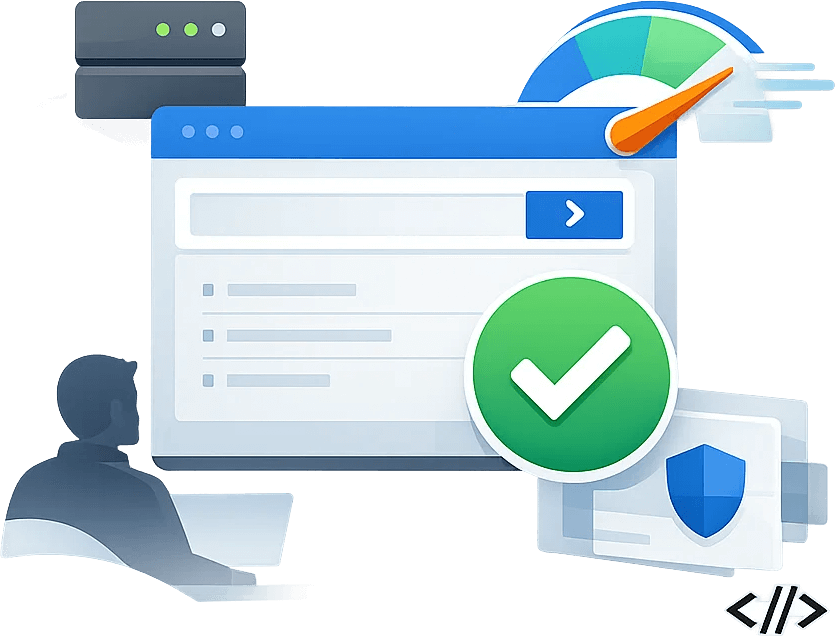
Playwright Cloudflare Proxy API

Give Playwright automation a more stable access environment.

Handle Cloudflare, Turnstile, WAF, proxy, region, session, screenshot and retry outside every browser automation script.

Solution 1: API-based access layer

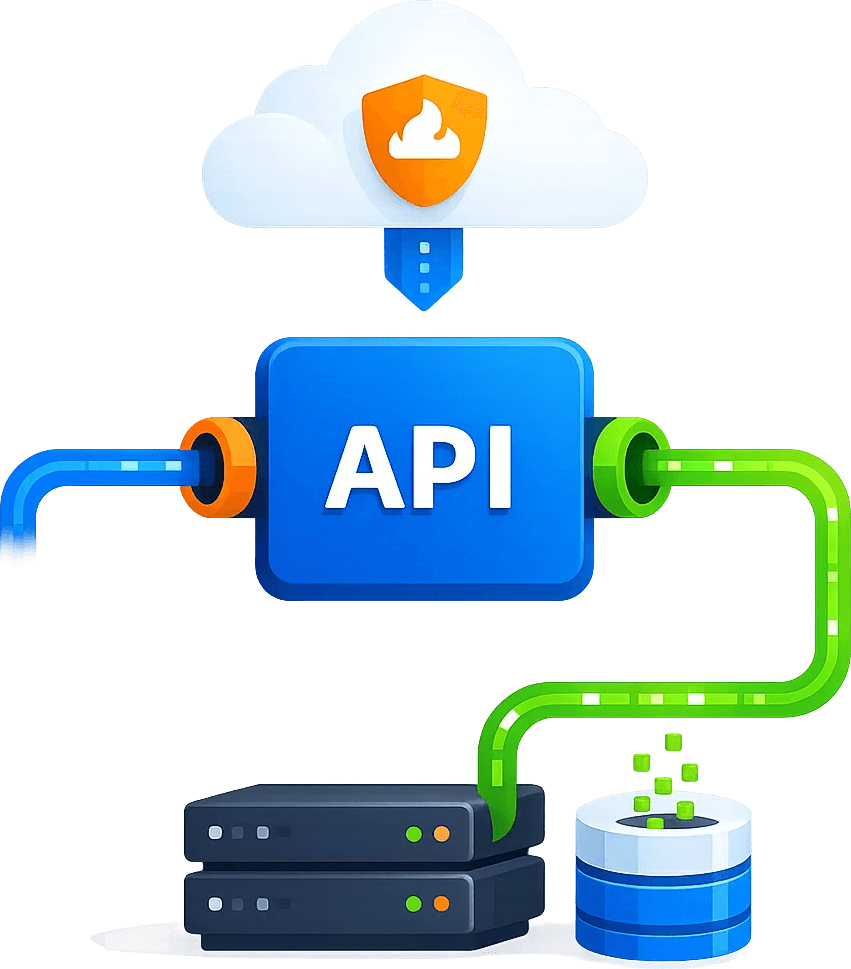
Use Cloudbypass API to centrally handle webpage access, regional environments, dynamic pages, screenshots, status codes and structured results, so business systems can focus on extraction, analysis and alerts.

Solution 2: proxy and session strategy

Choose dynamic residential IP, dynamic datacenter IP, rotation or sticky sessions by task type for long-term monitoring, multi-region verification and project isolation.

CLOUDBYPASS ACCESS LAYER

# Cloudflare / Turnstile / WAF

cloudbypass.playwright(url, country="US", session="sticky")

# HTML / Markdown / JSON / Screenshot / Logs

geo + proxy + session + retry + evidence

Ready for Cloudflare-protected workflows

Cloudflare Challenge Handling

Why Playwright, Puppeteer, QA, collection engineering and automated testing teams need Cloudbypass?

The real bottleneck is rarely the business logic. It is Cloudflare, Turnstile, WAF rules, 403 responses, dynamic pages, regional restrictions and IP reputation. Cloudbypass turns that access layer into reusable infrastructure so teams can focus on data, monitoring, analysis and automation.

Challenge pass stability 95%
Access-layer maintenance reduction 80%

Challenge handling

Unify handling for Cloudflare, Turnstile, WAF and 403 access failures.

Multi-region access

Configure real access environments by country, city and task type.

Dynamic IP and sessions

Use dynamic residential or datacenter IP, sticky sessions, retries and long-running monitoring.

Status logs and governance

Record status codes, screenshots, failure reasons and request evidence for review.

Cloudflare / Turnstile / WAF

Give browser automation challenge handling and multi-region access

Handle Cloudflare, Turnstile, WAF, proxy, region, session, screenshots and retries outside each Playwright task.

STEP 01

Browser context

Configure UA, Referer, headless state, region and session parameters per task.

01

STEP 02

Cloudflare challenges

Provide a handling path for JS Challenge, Turnstile, WAF and 403 failures.

02

STEP 03

Screenshot evidence

Keep key-page screenshots, status and failure evidence for QA and troubleshooting.

03

STEP 04

Fallback retry

Combine dynamic IP, sticky sessions, rate limits and retries to keep tasks continuous.

04
Playwright Cloudflare Proxy API
Use Cases

Typical applications for Playwright Cloudflare Proxy API

For Playwright, Puppeteer, QA, collection engineering and automated testing teams, covering business scenarios from one-off access to long-term monitoring.

Dynamic page collection

Build stable access, geo verification, screenshot evidence and structured results around Dynamic page collection, reducing manual checks and duplicate script maintenance.

Multi-region page testing

Build stable access, geo verification, screenshot evidence and structured results around Multi-region page testing, reducing manual checks and duplicate script maintenance.

Pre-login flow checks

Build stable access, geo verification, screenshot evidence and structured results around Pre-login flow checks, reducing manual checks and duplicate script maintenance.

Screenshot and visual acceptance

Build stable access, geo verification, screenshot evidence and structured results around Screenshot and visual acceptance, reducing manual checks and duplicate script maintenance.

Data collection fallback

Build stable access, geo verification, screenshot evidence and structured results around Data collection fallback, reducing manual checks and duplicate script maintenance.

Playwright Cloudflare Proxy API integration flow
Playwright Cloudflare Proxy API integration steps
Implementation steps

Connect the Cloudbypass access layer in 4 steps

Start with one high-value page or task, validate access, then expand into scheduled workflows.

01. Define the access target

Confirm URL, region, frequency, output format and business boundary.

02. Choose an access strategy

Select API, rendering, screenshots, dynamic IP, sticky session or retry strategy.

03. Connect business systems

Send results to crawlers, AI agents, workflows, QA or internal monitoring systems.

04. Review and optimize

Track status codes, failure reasons, screenshots and logs to keep access stable.
FAQ

Common questions

How is this different from a normal proxy?

A normal proxy mainly provides an exit. Cloudbypass focuses on the full access workflow: regional environment, dynamic pages, challenge handling, screenshots, structured output, retries and logs.

Yes. Teams can build the business logic with templates, workflow tools or AI-generated code, then hand protected web access to the Cloudbypass API.

Use it for public data, authorized data and legitimate business workflows. Add domain allowlists, rate limits, task logs and human review where needed.

Playwright Cloudflare Proxy API FAQ
Trial Offer
+ 200 API Credits
+ Rotating Proxies
Claim Now ›