


SERP Geo Monitoring API
SEO and ad verification

Fetch real search results from different countries and regions

Give SEO, paid ads, brand monitoring, and market research teams multi-country, multi-language, multi-device SERP collection, ranking tracking, ad landing verification, HTML capture, and screenshot evidence.

Why Cloudbypass

Give SEO, paid ads, brand monitoring, and market research teams multi-country, multi-language, multi-device SERP collection, ranking tracking, ad landing verification, HTML capture, and screenshot evidence.

CLOUDBYPASS ACCESS LAYER

# SERP Geo API

cloudbypass.fetch(url, country="US", output="html")

# Capabilities

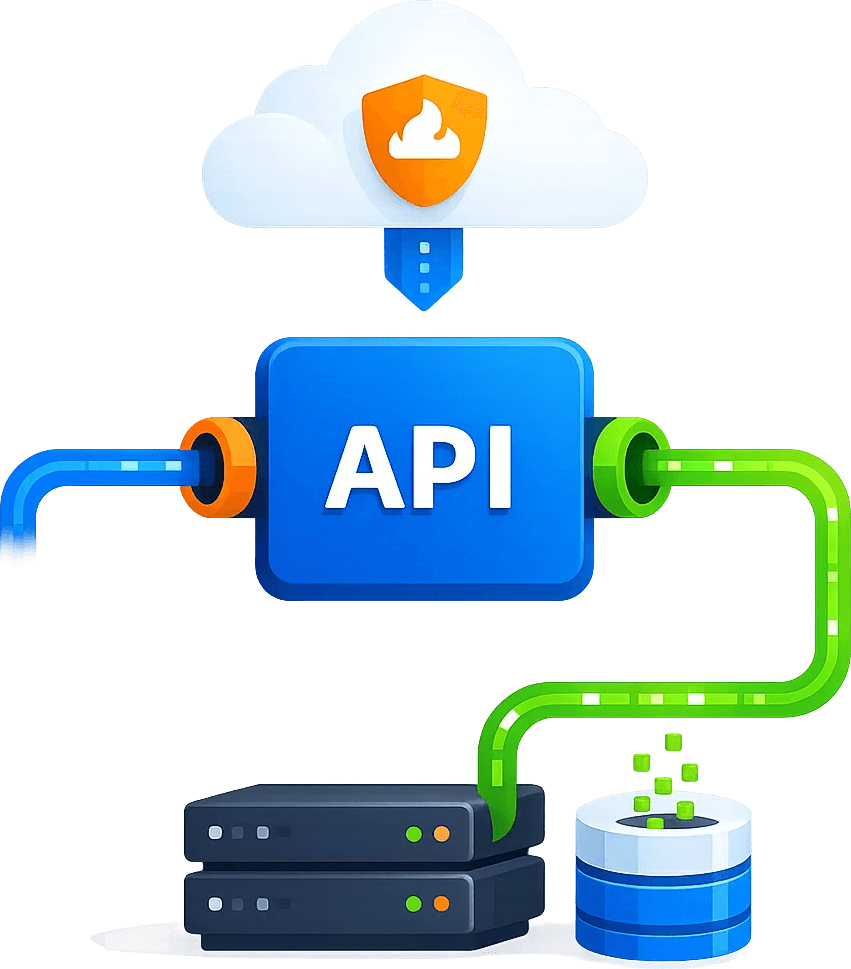
API / Proxy / Browser / Geo ExitSession / Retry / Screenshot / Logs

● Ready for Cloudbypass workflows

Why Cloudbypass

Fetch real search results from different countries and regions

Give SEO, paid ads, brand monitoring, and market research teams multi-country, multi-language, multi-device SERP collection, ranking tracking, ad landing verification, HTML capture, and screenshot evidence.

Access success stability 95%
Access-layer maintenance saved 80%

Geo SERP results

Fetch results by country, language, device, and exit.

Ranking monitor

Track brand, core, and competitor keyword rankings.

Ad checks

Verify ad display, redirects, and landing pages.

HTML evidence

Keep HTML, screenshots, and access timestamps.

API / Proxy / Browser

Handle web access, geo exits, sessions, and screenshots in one layer

Move challenge handling, dynamic pages, proxy exits, retry logic, and logs out of business scripts and into a reusable web access layer.

STEP 01

Geo SERP results

Fetch results by country, language, device, and exit.

01

STEP 02

Ranking monitor

Track brand, core, and competitor keyword rankings.

02

STEP 03

Ad checks

Verify ad display, redirects, and landing pages.

03

STEP 04

HTML evidence

Keep HTML, screenshots, and access timestamps.

04
SERP Geo Monitoring API
Use cases

Representative business scenarios

From one-off validation to long-running monitoring, combine capabilities by page complexity and output requirements.

Existing crawler integration

Keep current collection logic and move access stability into the Cloudbypass layer.

Browser automation

Add proxy, session, screenshot, and retry capabilities to Playwright, Selenium, and Puppeteer.

Geo access verification

Validate pages, ads, search results, and redirects by country and language.

Long-term monitoring

Track availability with logs, screenshots, status codes, and retry rules.

Budget estimation

Estimate launch cost by requests, traffic, screenshots, rendering, and retries.

SERP Geo Monitoring API integration flow
SERP Geo Monitoring API integration steps
Integration steps

Connect the Cloudbypass access layer in 4 steps

Validate one high-value page first, then expand into scheduled workflows, batch collection, or monitoring systems.

01. Define target access

Confirm URLs, regions, frequency, output format, and workflow scope.

02. Choose access strategy

Pick API, rendering, screenshots, dynamic IPs, sticky sessions, and retry rules.

03. Connect business systems

Send results to crawlers, AI agents, workflows, QA, or internal monitoring.

04. Review logs and optimize

Use status codes, failure reasons, screenshots, and logs to improve stability.
FAQ

Frequently asked questions

How is it different from a normal proxy?

A normal proxy mainly provides an exit. Cloudbypass also covers challenge handling, geo context, dynamic pages, screenshots, structured output, retries, and logs.

Yes. Existing crawlers can connect through Proxy mode, while complex pages can be handled through API mode.

Yes. Tasks can be organized by country, language, device, and exit region for SEO, ads verification, and geo monitoring.

SERP Geo Monitoring API FAQ
Trial Offer
+ 200 API Credits
+ Rotating Proxies
Claim Now ›